
Zeltro › Switch to Zeltro from Lovable, Bolt, Replit, v0 or Base44
Switch to Zeltro
Bring the app you built in Lovable, Bolt, Replit, v0, Base44 or Emergent to your own computer, and keep building it with the AI you already pay for.
You built something real in a browser builder. Now you want it on your own computer: no credits running down with every change, no plan limits, and your own AI doing the work. Pick where your app lives today and follow the steps for it.
No credits, no markup
The AI you already pay for
Your code on your own machine
Free for personal use
From Lovable#
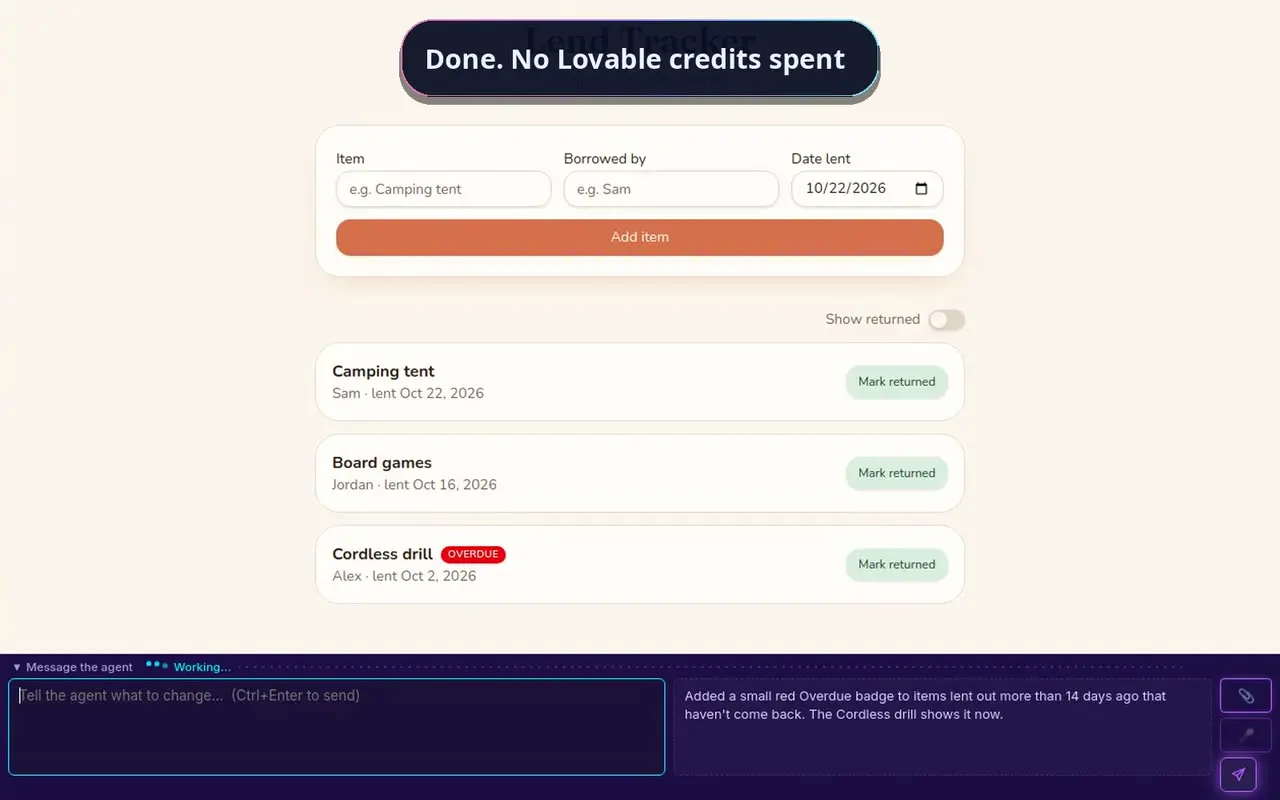
Connect your Lovable project to GitHub, which is free on every plan, and import it into Zeltro. It runs on your computer in about three minutes, still connected to its Lovable Cloud data, and you keep building with your own AI. See every step, with the video.
From the other builders#
Bring a Bolt project
Download it as a zip or push it to GitHub. The app comes with you; data in Bolt Cloud needs moving.
See the steps
ReplitBring a Replit project
Export it as a zip or to GitHub, Python or Node. Bring its Postgres database and secrets across.
See the steps
v0Bring a v0 app
It comes out through GitHub as a Next.js app. Bring its environment variables and database along.
See the steps
EmergentBring an Emergent app
A full codebase: React or Next, FastAPI or Node, and MongoDB. Zeltro runs all of it.
See the steps
Base44Bring a Base44 app
Read this one first: code export is a paid-plan feature, and the back end still runs on Base44's servers.
See what it takes
Somewhere elseNot listed, or no time?
Any app in a Git repository clones into Zeltro the same way. Or tell me what you have and I'll move it for you.
Get in touch
How every switch works#
Get your code out
Each builder above hands you the code, through GitHub or as a download (Base44 only on a paid plan). The guide for your platform shows exactly where the button is.
Bring it into Zeltro
Connect GitHub in one click when Zeltro first opens (or later in Settings), then choose Import from GitHub under Add Project and paste the address. It installs what the app needs, starts it, and gives it its own address on your computer and one on your network for your phone. Docker comes with Zeltro, so there is nothing to learn first.
Keep building with your AI
Open an AI session and ask for changes in plain English, as you did before. You can try it on our key for a first project, while it lasts. Claude Code, Codex, Antigravity and four more work on the plan or key you already have, with no markup and no credits. See bring your own key.
Your code always comes with you. Your data, sign-ins and secrets usually live in the builder's own cloud, and how much of that keeps working from your computer depends on the platform. Each guide says what keeps working and what to move.
Questions
Do I have to stop using my old builder?
No. Your code moves, but nothing forces you to leave. Lovable, for example, keeps its GitHub sync going both ways, so you can keep using both while you decide.
Do I need to know how to code?
No. You ask the AI for changes in plain English, the way you did in the builder. Zeltro sets up everything the app needs to run, so the AI starts on your app instead of on setup. If the AI is new to you, start with vibe coding for beginners.
What does it cost?
The Zeltro app is free for personal use, with no account. A business using it buys a lifetime commercial license once, for US$99.99. You pay for your AI separately: a plan you already have, an API key at the provider's own price, or nothing with a free local model.
My platform is not listed. Can I still switch?
Yes, if you can get the code into a Git repository: Zeltro clones any repository the same way. If you would rather not do it yourself, I'll move it for you.
Bring your app home
Install Zeltro, bring your app across, and keep building with the AI you already pay for, or a free local model. Free for personal use, with no account.
Install Zeltro Why bring your own key
Rather not set it up yourself? I’ll do it for you.
Checked 2026-10-23. Other products change often — if something here is out of date, tell us and it gets fixed.